Soarcery is security automation you describe in plain English. You say what you want done, the Familiar plans it, and nothing that touches your systems runs until you approve it. This page shows how the console is laid out and what to do in your first half hour.
Instead of dragging boxes on a flowchart, you tell Soarcery the outcome you want in plain words. The Familiar (your AI assistant) turns that into a plan, shows you every step before it acts, and does the legwork against the tools you already use. One rule shapes everything you will read in these guides: the Familiar proposes, and any privileged action waits for a human yes. For the single picture that puts every part in one frame, see How Soarcery fits together.
You sign in with your organization account and work inside the workspace your team added you to. If you land on a prompt saying your account has no workspace yet, an administrator has not added you: ask them for an invite, then sign in again. If you keep more than one login, confirm you used the right one.
The shape of the console
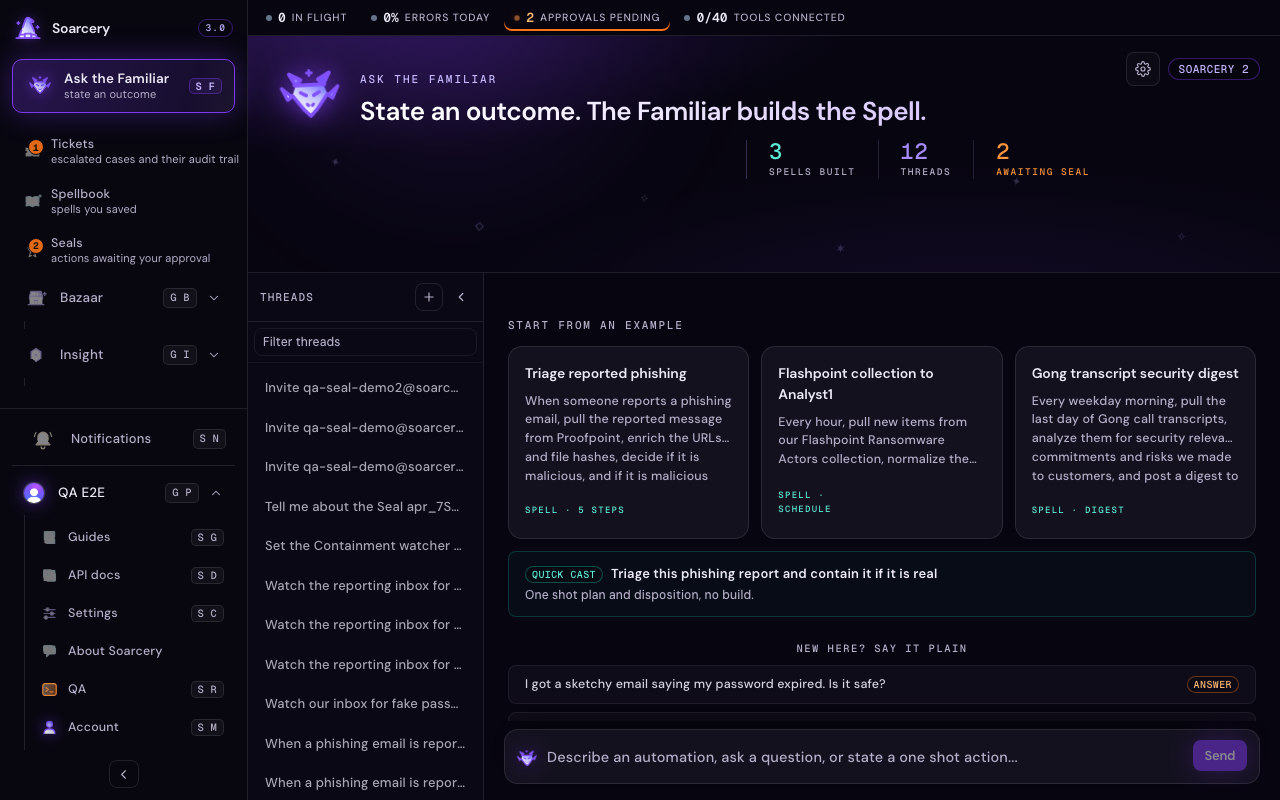
Cast, your conversation with the Familiar, is pinned at the top of the left rail. Below it are the surfaces where the work lives: Tickets, Spellbook, Bazaar, Seals, and Usage.
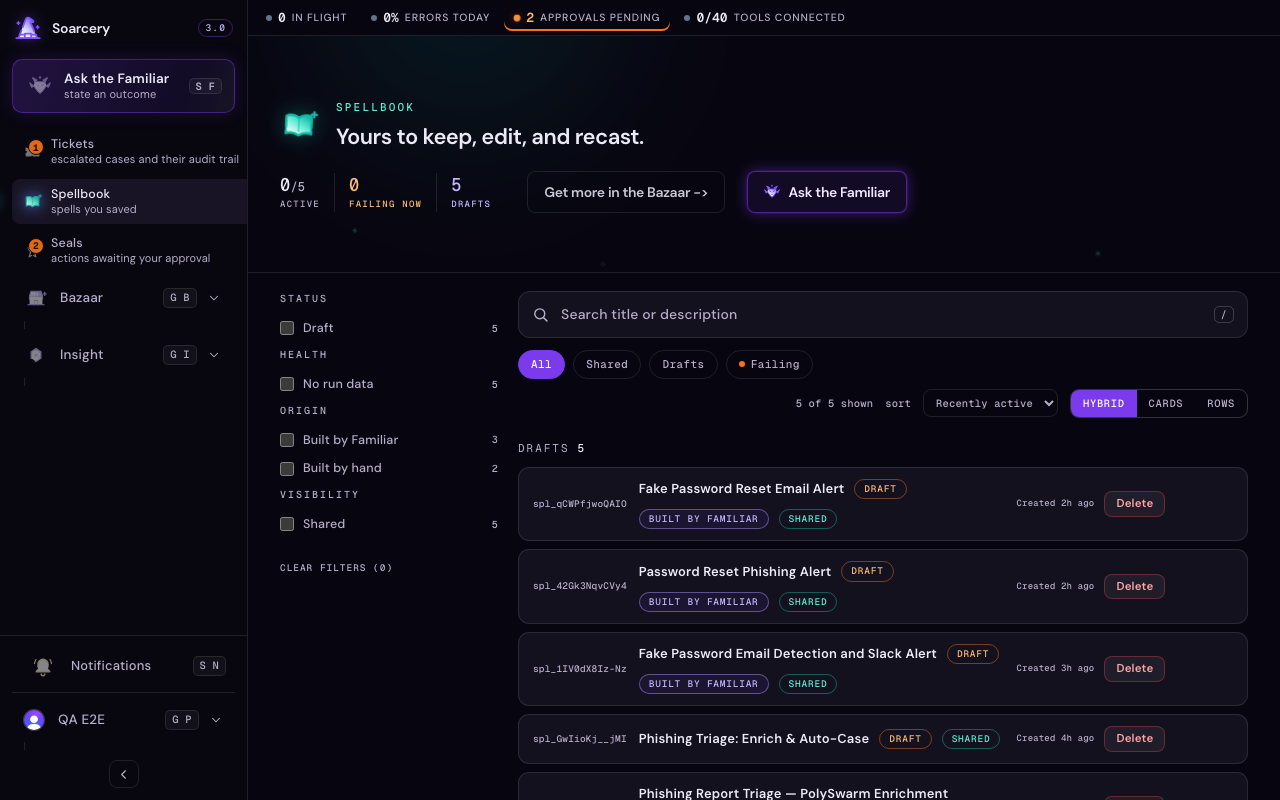
Cast sits at the very top of the left rail: the one place you ask in plain language to look something up, triage an indicator, draft a response, or build a whole automation from an outcome. Below it, each surface owns one job. Tickets are the cases your team is working. Spellbook holds the automations you have saved. Bazaar is where you connect tools and adopt ready-made templates, and Seals is the queue of proposed actions waiting on a human decision. Usage is the read-only view of runs, tokens, and spend over time. The Guides and the API reference sit in the nav footer.
Say what you want
Open Cast and state an outcome the way you would ask a colleague: enrich this indicator, open a ticket for this alert, contain this host, or build me something that does this every time. You do not need to know a spell name or a tool slug. The Familiar reads your sentence, works out whether you are asking a question, casting a one-off, or building a reusable automation, and shows you the call it is about to make before it runs. See Talk to the Familiar and Build a spell with the Familiar.
Nothing runs until you approve
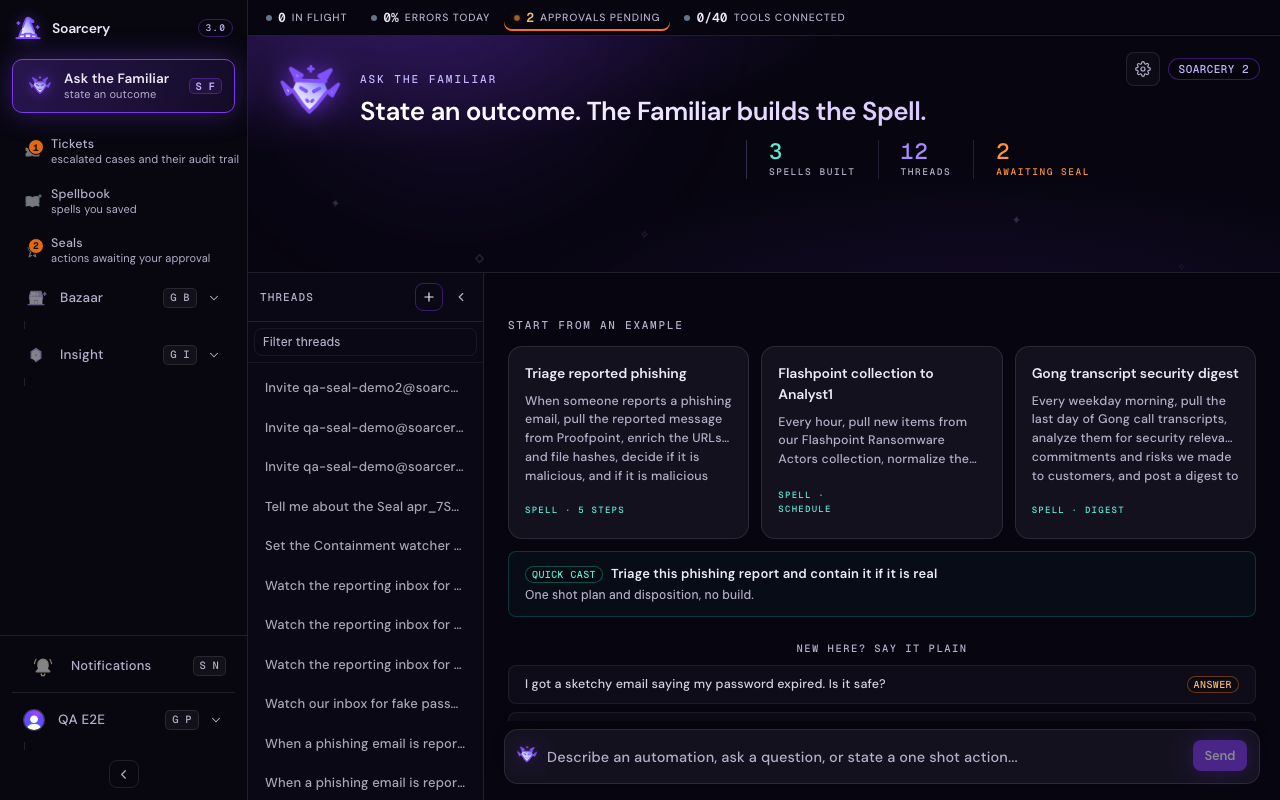
When you ask for something that builds or acts, the Familiar returns a plan first: the steps in order, the tools each one needs, and the assumptions it made. You approve it, edit it, or reject it. Building runs as a background job with visible progress, so a long plan no longer times out, and a step that fails offers a Retry. Any step that would touch your systems, such as isolating a host or disabling an account, is marked to stop at a Seal (a human approval gate): the automation proposes, a person approves or denies, and it cannot act until someone says yes. Every proposed action lands in the Seals queue. Read Work the seals queue for the day-to-day.
Where your work lives
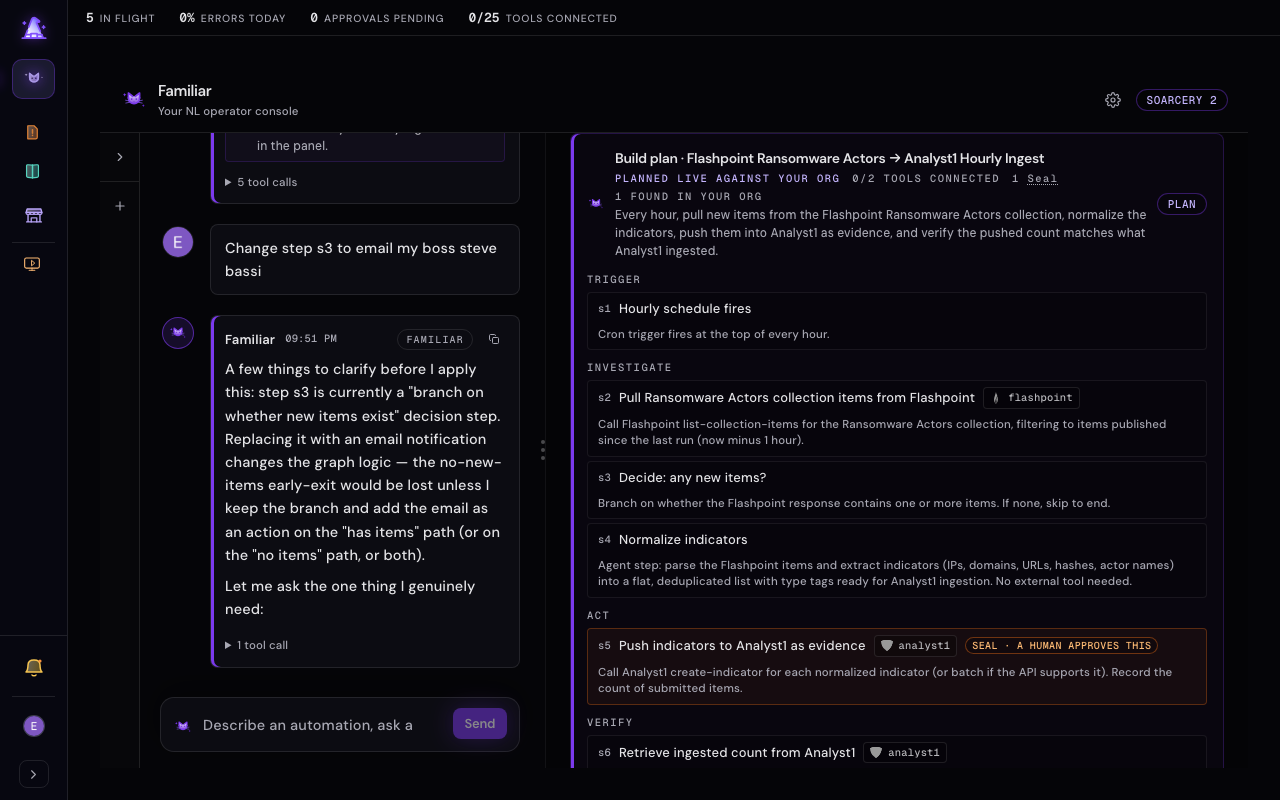
When something needs a person or a fuller record, it becomes a Ticket: a case with a full timeline of the evidence, the reasoning, and every action taken, so the audit trail writes itself. A contested result, where the verdict is genuinely split, always escalates to a person and never closes on its own as safe. The automations you save live in the Spellbook, side by side whether you wrote them by hand or built them with the Familiar, ready to cast again. See Work a ticket and Spells.
Connect your tools in the Bazaar
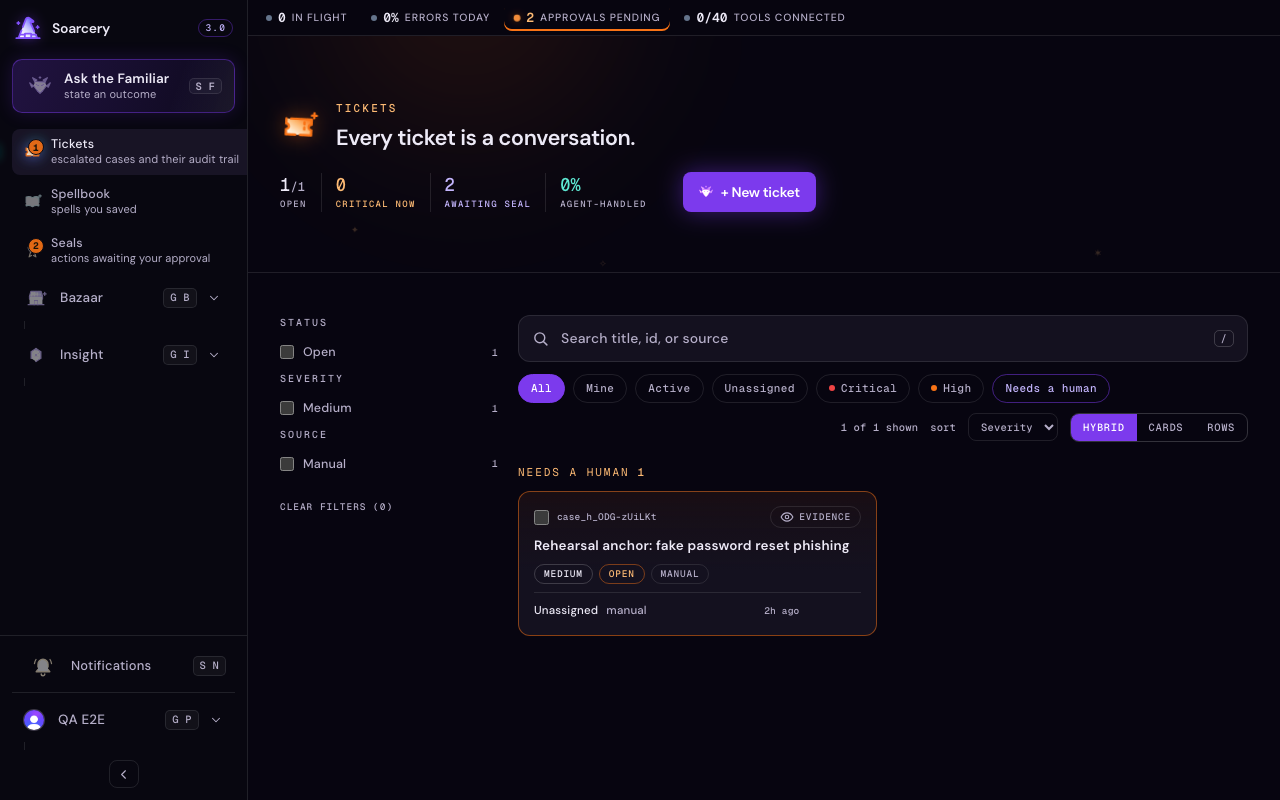
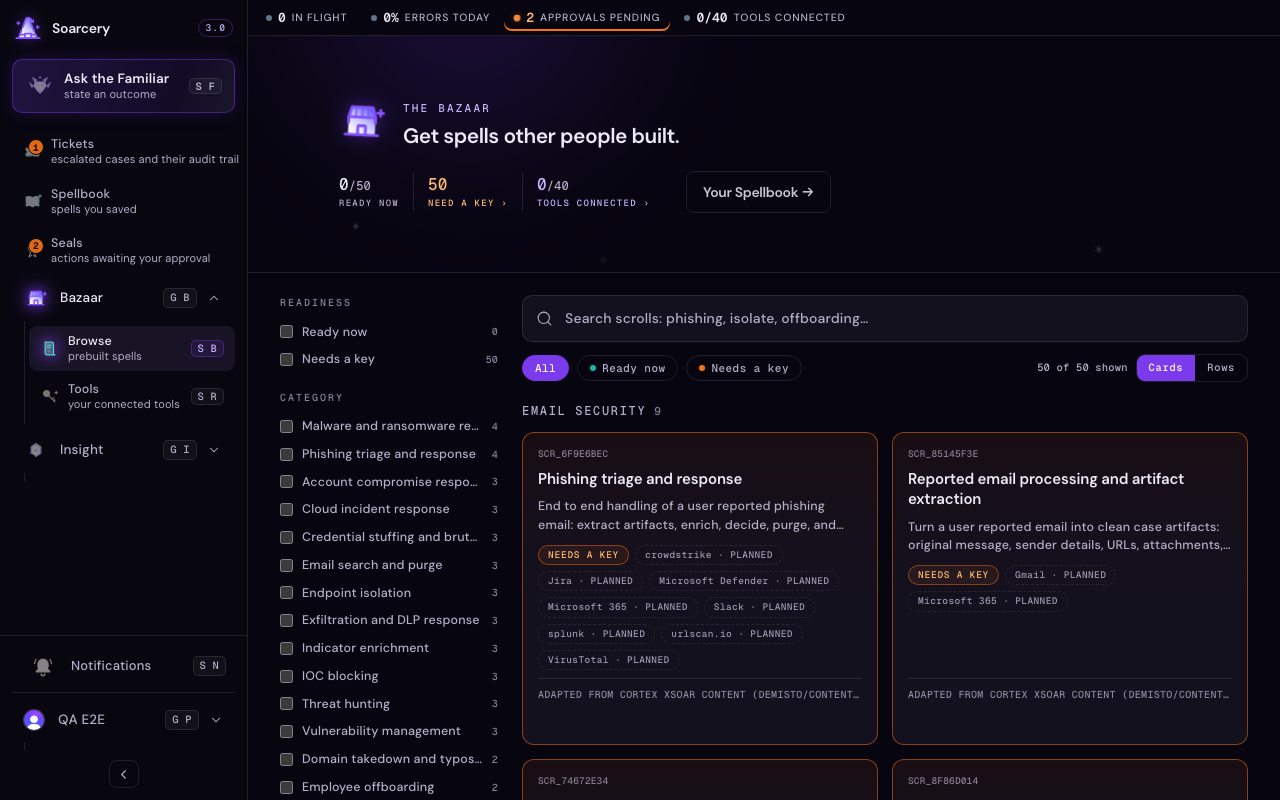
Nothing acts until your tools are wired up. The Bazaar is where you connect the services your automations run through and adopt ready-made templates. A wired tool shows as Connected, and the Tools view lists everything you have connected and its health. When a plan needs a tool you have not connected, the Familiar pauses and helps you connect it right there, and for a job like ticketing it offers the supported choices, such as ServiceNow and Jira. See The Bazaar and Connect your tools.
Your first half hour
- Open Cast and ask what is happening right now. It reads your open work and narrates it. See Talk to the Familiar.
- Ask it to enrich a single indicator as a quick cast: one indicator in, a short plan and a disposition back, nothing saved unless you choose to keep it.
- Open a Ticket and walk its timeline. See Work a ticket.
- Confirm your tools are Connected in the Bazaar. Nothing acts until they are. See Connect your tools.